
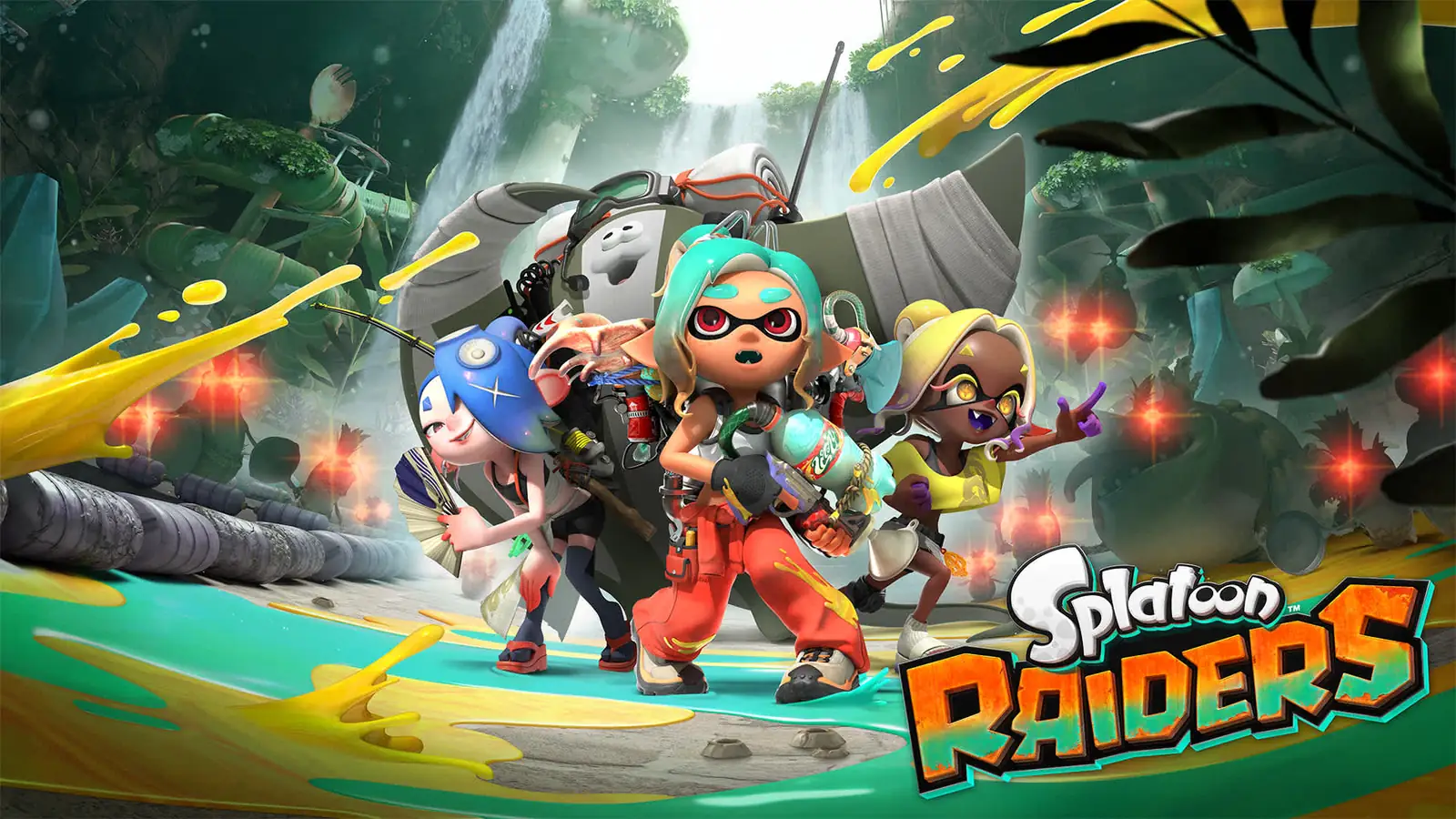
Is Splatoon Raiders multiplayer?
Yes. The Nintendo US product page lists Splatoon Raiders as a single-player-focused game with local wireless play for 2-4 players and online play for 2-4 players. Nintendo Australia's game specifications show the same local and online player counts. In other words, the main identity is a solo adventure, but multiplayer is a confirmed way to play rather than a rumor or a future promise.
The important buying distinction is that single-player-focused does not mean single-player-only. You can plan a solo run around the Mechanic, Deep Cut, gadgets, weapons, and treasure hunting, then use the multiplayer modes when you want to play with friends. The official pages do not describe every rule of co-op progression, matchmaking, shared-screen behavior, or cross-play, so this page keeps those details separate from the confirmed player-count facts.
What multiplayer means in Splatoon Raiders
The phrase Splatoon Raiders multiplayer can sound like a traditional competitive Splatoon search, but the official description points to a different balance. Nintendo calls the game single-player-focused and describes an adventure in which the Mechanic works with Deep Cut, explores the Spirhalite Islands, uses mechanical gadgets, and fights waves of Salmonids while hunting treasure. That language should shape your expectations before you invite friends into the session.
A useful way to read the listing is to separate the game's center of gravity from its supported modes. The center of gravity is an adventure that can be played alone. The supported modes add local wireless and online 2-4 player options. This is why a multiplayer page needs more than a one-word yes: players also need to know whether they are looking for a solo campaign, a co-op activity, or a competitive replacement for the main Splatoon series.
The official listing also says that additional games and systems are required for multiplayer mode, and its regional specifications distinguish local wireless from online play. That is enough to recommend a setup check, but not enough to invent a shared-screen rule or promise that one copy supports every local arrangement. Verify your region's store wording when the purchase decision depends on a specific number of consoles or copies.
Single-player-first design
Single-player-focused is a useful expectation setter. It suggests that the main route, story context, character customization, equipment choices, and treasure objectives are designed to work when one person is progressing. A player who only wants a solo Switch 2 adventure should not treat the multiplayer label as a warning that the game requires a group.
It also explains why release pages may lead with the adventure rather than a large competitive feature list. If your search is really about the campaign, use the homepage's route and weapon notes first. If your question is whether friends can join, use the player-count table and preparation checklist on this page.
- Solo play is the safest interpretation of the main adventure loop.
- Multiplayer is confirmed, but the official copy does not present the game as a competitive-only title.
- A specific co-op rule should be treated as unverified until Nintendo or the game itself states it.
Optional play with friends
Local wireless and online 2-4 are the two confirmed multiplayer paths. Local wireless is the relevant phrase when players are using separate consoles nearby. Online play is the relevant phrase when the group is connecting over the internet. These labels are more useful than simply saying the game has co-op because they tell you what kind of setup to investigate.
The word optional matters for planning. You can choose the game as a solo player and still have a multiplayer route for a shared session. Conversely, if your only reason to buy is same-console couch co-op, do not assume that local wireless means one shared screen; Nintendo's public specifications do not establish that detail.
Splatoon Raiders modes and player count
The player-count answer is straightforward, but the requirements are not identical. Nintendo lists one player for the single-system mode, 2-4 for local wireless, and 2-4 for online play. The Nintendo US page also notes that Nintendo Switch Online membership and a Nintendo Account are required for online features. The Australian page separately warns that local multiplayer requires one console and one copy of the software per player.
Use the table as a decision aid, not as a substitute for the regional store page. Store language, membership terms, and purchase availability can change by market. The rows below capture the official distinction visible when this guide was checked.
| Mode | Confirmed players | What to check before playing |
|---|---|---|
| Single system | 1 | A solo adventure on one Nintendo Switch 2 |
| Local wireless | 2-4 | Separate systems, local connection, and one copy per player in Nintendo Australia's wording |
| Online | 2-4 | Nintendo Switch Online, Nintendo Account, internet access, and any region-specific terms |
| Competitive assumption | Not stated | Do not treat the page as proof of a separate ranked or versus mode |
Should you start solo or play co-op?
The best choice depends on what you want from the first session. Starting solo gives you room to learn the Mechanic's movement, weapon feel, gadget choices, island navigation, and treasure loop without coordinating with a group. Starting with friends makes sense when the shared activity is the reason you are looking at the game and everyone has the required systems, software, and online access ready.
Do not turn the choice into a permanent commitment. A practical plan is to learn enough solo to understand the controls, then schedule a short multiplayer test. That gives the group a common baseline and makes it easier to tell whether a connection issue is a setup problem or a game-design choice.
Start solo when you want a clean first run
Solo is the lower-friction option for a new player. You can pause your research, experiment with weapons, and decide how much of the map or Blue Compass material you want to read without making another player wait. It is also the right default when your household has one Switch 2 or when a friend group has not confirmed its copies yet.
For a spoiler-light route, use the homepage helper and its weapon section. Keep the main story and route discoveries in the game, and use this multiplayer page only to answer the connection question.
- You are learning the controls or equipment.
- You have one system or have not confirmed multiple copies.
- You want to control spoilers and progress at your own pace.
Choose local wireless for nearby systems
Local wireless is the clearest fit for a group in the same place with separate Nintendo Switch 2 systems. Before the session, confirm the number of consoles and copies instead of assuming that a local connection has the same rules as a shared-screen mode. Nintendo Australia's wording is especially useful here because it explicitly says one console and one copy per player for local multiplayer.
A short test session is better than planning a full evening around an unverified arrangement. Start the game, find the relevant multiplayer entry, and check whether each player can join before buying extra accessories or promising a particular route.
Choose online play for friends in different places
Online 2-4 is the path for players who are not in the same room. The Nintendo US listing says online features require Nintendo Switch Online membership, a Nintendo Account, and internet access. Those are purchase and setup requirements, not optional fine print, so check the account and membership situation for every player before the first session.
The official page does not publish a complete matchmaking guide or a promise of cross-play with other platforms. Keep the plan inside the confirmed boundary: Nintendo Switch 2 players, the listed online mode, the required account and membership conditions, and a current regional store check.
What to check before playing with friends
Most multiplayer disappointment comes from a mismatch between the group assumption and the store specification. The following checklist is intentionally practical. It does not claim a hidden feature; it helps you confirm the visible requirements before money, time, and a group schedule are committed.
For an online group, check each player's Nintendo Account and Nintendo Switch Online status. For local wireless, check the number of systems and copies. For both modes, use the current regional Nintendo page because product wording, membership conditions, and availability can vary.
- Confirm every player is using Nintendo Switch 2 and has access to the game.
- For local wireless, count systems and copies; Nintendo Australia states one of each per player.
- For online play, confirm internet access, Nintendo Account access, and Nintendo Switch Online membership where required.
- Open the in-game multiplayer entry before scheduling a long session.
- Decide whether the group wants spoiler-light exploration, weapon testing, or a shared objective.
- Do not assume same-screen couch co-op, cross-play, cross-save, or ranked versus rules without a source.
What the official pages do not confirm
A good multiplayer answer should be clear about its limits. Nintendo confirms the game is single-player-focused and lists local wireless and online 2-4 player modes. That does not automatically confirm a shared-screen option, the exact co-op mission structure, how campaign progress is saved, whether every activity supports four players, or whether players can join across regions.
It also does not mean Splatoon Raiders is a replacement for every competitive mode in Splatoon 3. The official description emphasizes an adventure, gadgets, weapons, Salmonids, and treasure on the Spirhalite Islands. A player asking for ranked matches may have a different intent from a player asking whether friends can help explore.
The safest wording for an unofficial guide is therefore: multiplayer is confirmed, the listed count is 2-4 for local wireless and online play, and the main game is single-player-focused. Everything beyond that should carry a source, a version/date check, or a clear note that it needs in-game confirmation.
This boundary is useful for future updates too. If Nintendo publishes a detailed co-op FAQ, patch note, or regional specification change, update the table and the setup steps rather than quietly turning an old assumption into a permanent fact.
Fact versus planning advice
Facts are the claims that appear on the official product pages: the single-player focus, local wireless 2-4, online 2-4, the Nintendo Switch 2 platform, and the listed online or local requirements. Planning advice is how this guide turns those facts into a safer buying or session decision.
That distinction keeps the page useful without pretending to have a complete game manual. It also gives readers a way to evaluate community posts: a player report may be helpful, but it should not overwrite official store specifications without a reason and a date.
A practical first multiplayer session
If you already own the game, begin with a short solo controls check. Learn how movement, ink-spraying weapons, gadgets, and the basic route feel before inviting the whole group. This is not a demand to finish the campaign alone; it is a way to remove avoidable confusion from the first shared session.
Next, choose the connection type from the official table. Nearby players should verify local wireless systems and copies. Remote players should verify Nintendo Accounts, Nintendo Switch Online, internet access, and the current regional terms. Keep the first session short enough that the group can stop and adjust without turning a technical check into a lost evening.
Finally, record what the game actually shows in your region: how players join, what content is available, and what progress is retained. Those observations can be useful for a later update, but they should remain clearly separated from Nintendo's published facts.
- Solo: learn the controls and pick a comfortable weapon style.
- Local: verify each system and copy before the group arrives.
- Online: verify accounts, membership, internet access, and the invite flow.
- After the test: note confirmed behavior and leave unverified features out of recommendations.
Splatoon Raiders multiplayer FAQ
Is Splatoon Raiders single-player or multiplayer?
Both descriptions are useful. Nintendo calls it single-player-focused, while its official specifications list local wireless 2-4 and online 2-4 player modes. It is not single-player-only, but the main adventure should not be described as a competitive multiplayer replacement without additional evidence.
How many players can play Splatoon Raiders online?
Nintendo's official product information lists online play for 2-4 players. The Nintendo US page also says online features require Nintendo Switch Online membership, a Nintendo Account, and internet access. Check your regional page for current terms.
Does Splatoon Raiders support local wireless multiplayer?
Yes. The listed local wireless mode supports 2-4 players. Nintendo Australia's specification says local multiplayer requires one console and one copy of the software per player, so do not assume a shared-screen or one-copy setup.
Does Splatoon Raiders require Nintendo Switch Online?
The Nintendo US listing says Nintendo Switch Online membership and a Nintendo Account are required for online features. That requirement applies to the online path; local wireless has a different setup and should be checked against the regional listing.
Is Splatoon Raiders co-op the same as competitive Splatoon multiplayer?
Do not assume that. The official description focuses on a single-player adventure with gadgets, weapons, Salmonids, and treasure. Multiplayer is confirmed, but the public product pages do not establish every competitive, ranked, or versus rule.
Can I play the whole Splatoon Raiders campaign with friends?
The official pages confirm the player counts and connection types, but they do not publish a complete campaign-progression or co-op activity list. Treat full-campaign support, shared progress, and join behavior as in-game checks until Nintendo documents them.
Official pages used for this multiplayer guide
These first-party pages support the platform, single-player focus, player counts, and online or local requirements stated above. Regional wording can change, so check the relevant page again before buying or scheduling a group session.
- Nintendo US: Splatoon Raiders product page and player specifications
- Nintendo Australia: Splatoon Raiders game specifications and local/online player counts